
Embedded Systems & Product Development Consultancy · London, UK
Embedded HMI and touchscreen interfaces with LVGL
A device is judged by its screen. We build touchscreen and display interfaces with LVGL on microcontrollers and embedded Linux, together with the display and touch drivers, so the interface stays smooth while the rest of the firmware works.
When the screen makes the product feel slow
Users forgive a lot, but not a laggy screen. Most HMI problems come from memory, rendering and task design rather than the graphics themselves.
- Screens that stutter when the device is busy with networking or sensors.
- Frame buffers that don’t fit in RAM, or flicker because of tearing.
- Touch that misses presses with gloves, water or electrical noise.
- Fonts, languages and icons that blow the flash budget.
- UI code tangled with application logic, so every design change touches everything.
- Displays and backlights that drain the battery.
We design the display path, memory and tasks first, then build the screens on top.
Screens, drivers and the code behind them
- LVGL interfaces. Screens, widgets, animations and themes built from your designs, with a clean split between UI and application logic.
- Display and touch drivers. Parallel RGB, MIPI DSI, SPI and LCD controller drivers, capacitive touch controllers and backlight control. →
- Graphics performance. DMA2D and GPU acceleration, double buffering and partial refresh tuned for smooth frame rates.
- Multi-language content. Font subsets, translations and right-to-left text, sized to fit the flash.
- Linux displays. Interfaces on embedded Linux with LVGL or Qt, on framebuffer, DRM or Wayland. →
- Low-power displays. E-paper and memory-in-pixel displays, and screens that sleep without losing context. →
From design file to running screen
- Size the hardware. Resolution, colour depth, frame rate and memory decide the microcontroller, the display interface and any external RAM.
- Prototype the screens early. Key screens running on the target or in a PC simulator, so designers and users can try them.
- Structure the code. A UI layer driven by events and data models, so the application never draws directly.
- Tune on the device. Frame rate, CPU load and memory measured with real data and real touch input.
- Test the whole flow. Every screen, error message and language checked on hardware before release.
Graphics libraries, displays and tools
Libraries: LVGL, SquareLine Studio, Qt for embedded Linux, TouchGFX
Processors: NXP i.MX RT with PXP, STM32 with Chrom-ART (DMA2D), ESP32-S3, i.MX 8M and i.MX 93 for Linux
Displays: TFT over RGB, MIPI DSI and SPI, capacitive touch, e-paper, character and graphic LCDs
Tools: LVGL PC simulator, Figma handover, font and image converters, trace tools for frame timing
Interfaces in industrial use
Client names stay private. The engineering doesn’t.

A 5-inch touchscreen interface with LVGL on an air-quality monitor for power stations
View case studies
More HMI work
Interface prototypes and screen redesigns for products under NDA, which we can walk you through on a call.
Ask about this workFrequently asked HMI questions
Why LVGL?
LVGL is open source, runs on small microcontrollers as well as Linux and has a large widget set. There are no runtime fees, and the code stays yours.
Can a microcontroller drive a touchscreen without Linux?
Yes. Modern microcontrollers with graphics acceleration drive 5 to 7-inch touchscreens smoothly. Linux becomes worthwhile when the interface needs video, web content or a much larger application.
Can you build screens from our designer’s files?
Yes. We work from Figma or similar designs, agree what each widget does, and flag early where a design will be costly on the chosen hardware.
How much memory do we need?
It depends on resolution and colour depth. A full frame buffer for an 800×480 display at 16-bit colour needs about 750 KB, so many designs use partial buffers or external RAM. We size it before the hardware is fixed.
Can the interface support several languages?
Yes. We use font subsets and string tables so languages can be added without changing the code, and check that every screen fits the longest translation.
Can you improve an existing slow interface?
Usually. We profile rendering and task timing on the device, then fix the biggest costs first: buffering, DMA use, redraw areas and task priorities.
Planning a device with a screen?
Tell us the display size, the processor and what the interface has to show.
An engineer will read it and reply within one business day.
Latest from the blog
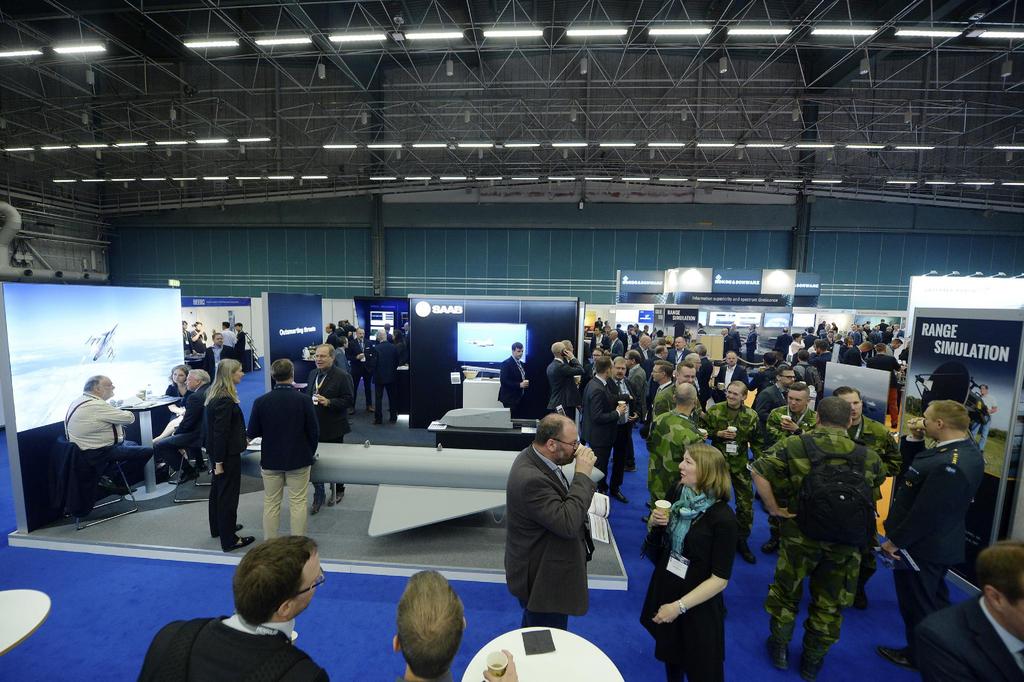
Event Scope: EW – ELECTRONIC WARFARE EUROPE 2020
June 22, 2020
Event Scope: MICRO NANO MEMS 2020
June 8, 2020
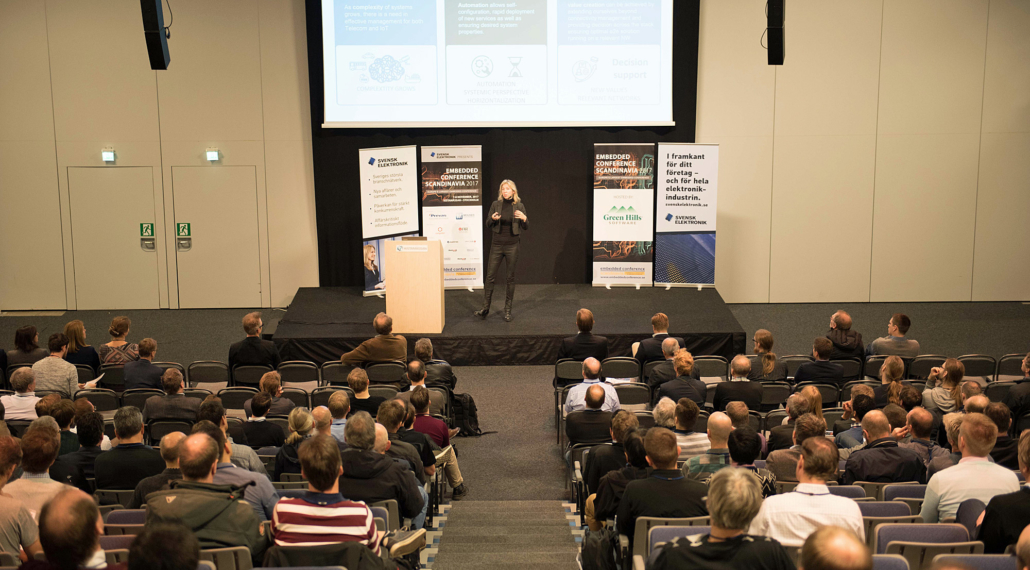
Event Scope: EMBEDDED CONFERENCE SCANDINAVIA 2020
May 29, 2020